

Login to Kubit
Sign in to Kubit using Single Sign-On (SSO) or an invite email with your temporary password, and set up your account with a secure password and multi-factor authentication.
What you need
- Your Kubit organization URL. (Most teams use:
https://<company>.kubit.ai) - One of the following:
- Single Sign-On (SSO), if your admin enabled it.
- An invite email with a temporary password.
Sign in with SSO
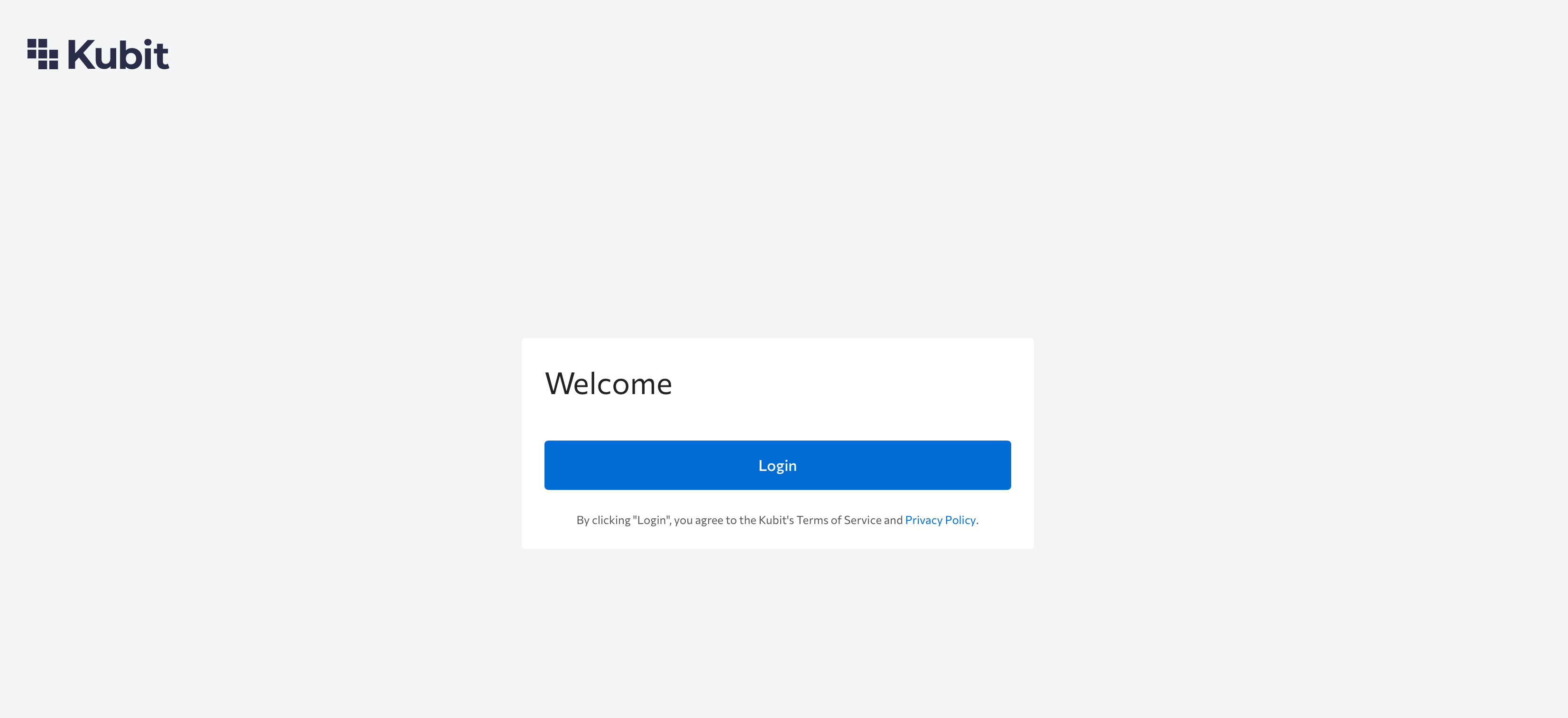
- Open your organization’s Kubit URL.
- Click Login to proceed with your SSO provider.
Sign In with an Invite Email (Username + Temporary Password)
-
Open your organization’s Kubit URL.
-
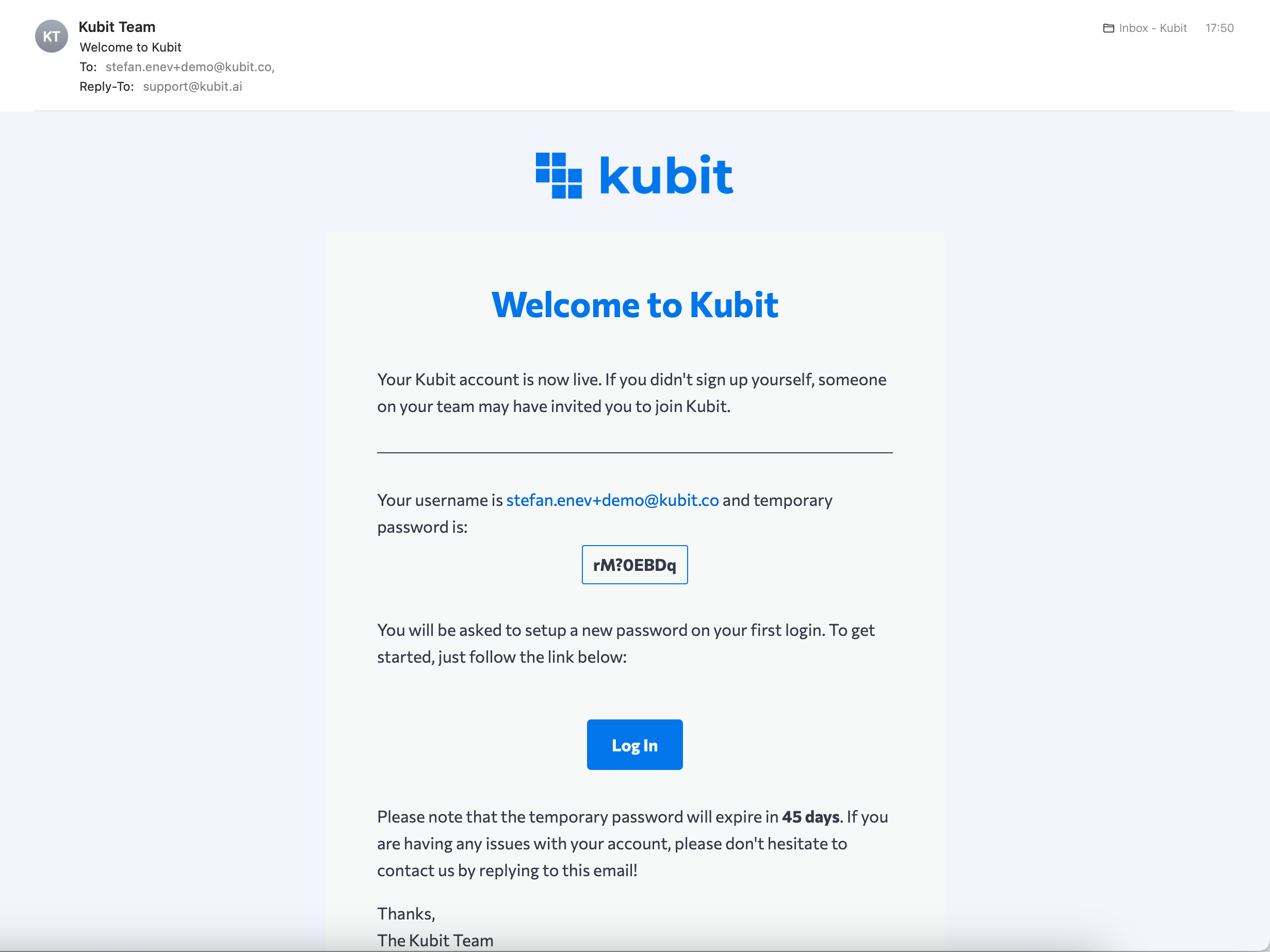
Copy the temporary password from your invite email.
-
Click the Log In link in the invite email, or paste the password into the login page and continue.
-
Enter your credentials and click Login now.
First-Time Login: Set Your Password
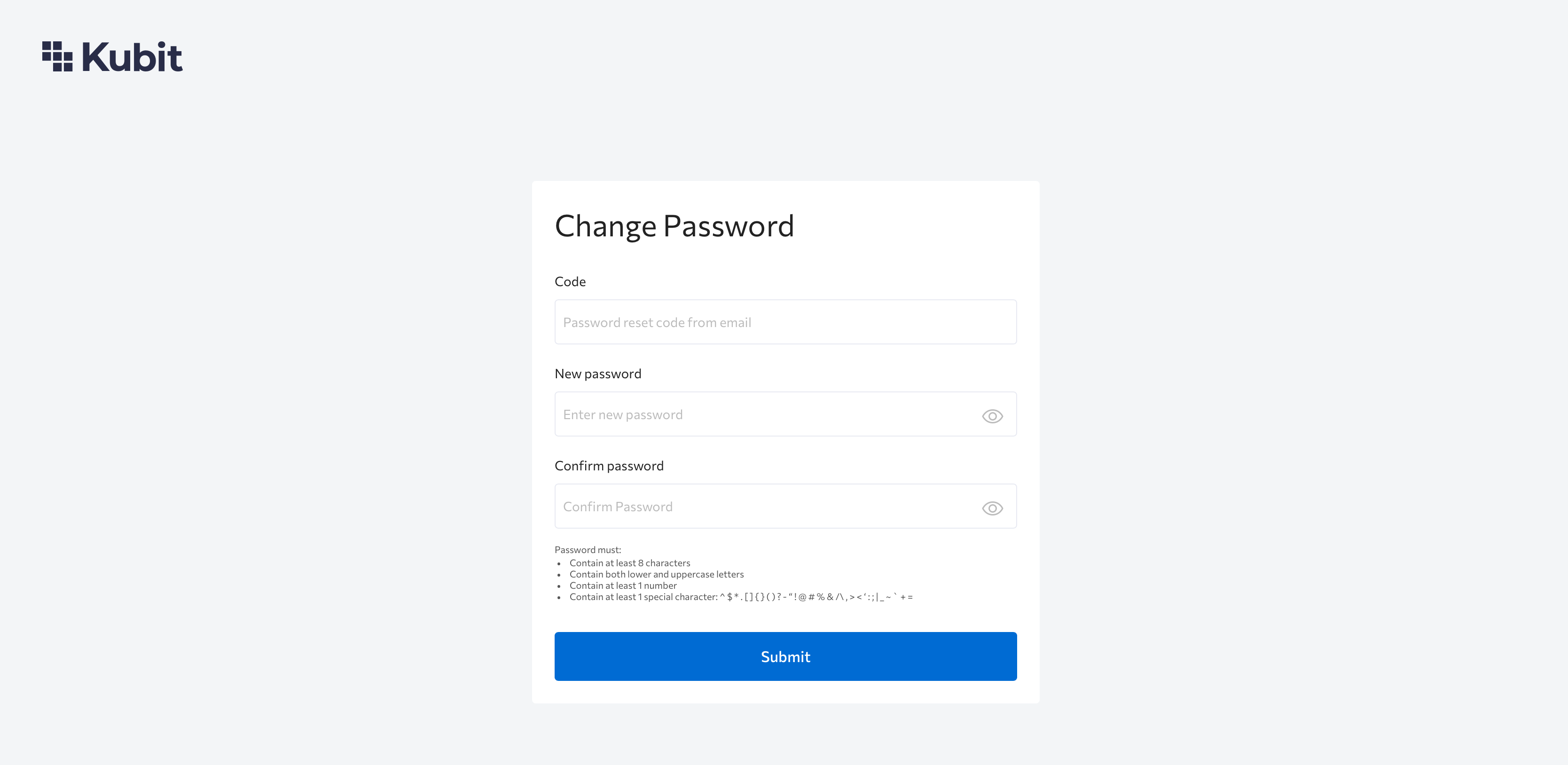
On your first login, Kubit will prompt you to set a new password:
- Enter the temporary password from the invite email.
- Create a new strong password and save it.
Trouble logging in?Ensure you copied only the password, with no trailing spaces or other characters.
If MFA is Enabled
If your environment requires multi-factor authentication (MFA), you will be prompted to set it up during login.
Troubleshooting
I cannot log in with the invite password.
- Ensure you copied only the password, with no extra spaces at the end.
Not sure which login method to use.
- If you see an SSO option, use Login.
- If you received an invite email, use the temporary password and complete the first-time password setup.
Updated 8 months ago