

OneDrive Integration
Learn how to download Reports from a Dashboard directly into your OneDrive
When you've created an Dashboard but ideally want to present your findings in a PPT deck, you're now able to download specific reports from a Kubit Dashboard directly into a PPT file onto your OneDrive.
With Kubit's OneDrive integration, you can now download Reports directly from a Dashboard in Kubit.
Download selected (or all) Reports from a Dashboard into a PPT file and individual .png files.
This feature is available for all users on Kubit.
Connecting Kubit to OneDrive
Before you can begin leveraging the ability to download directly into OneDrive, you will need to connect Kubit.
Connection can be done two ways:
- Via the 'Share' button on a Dashboard:
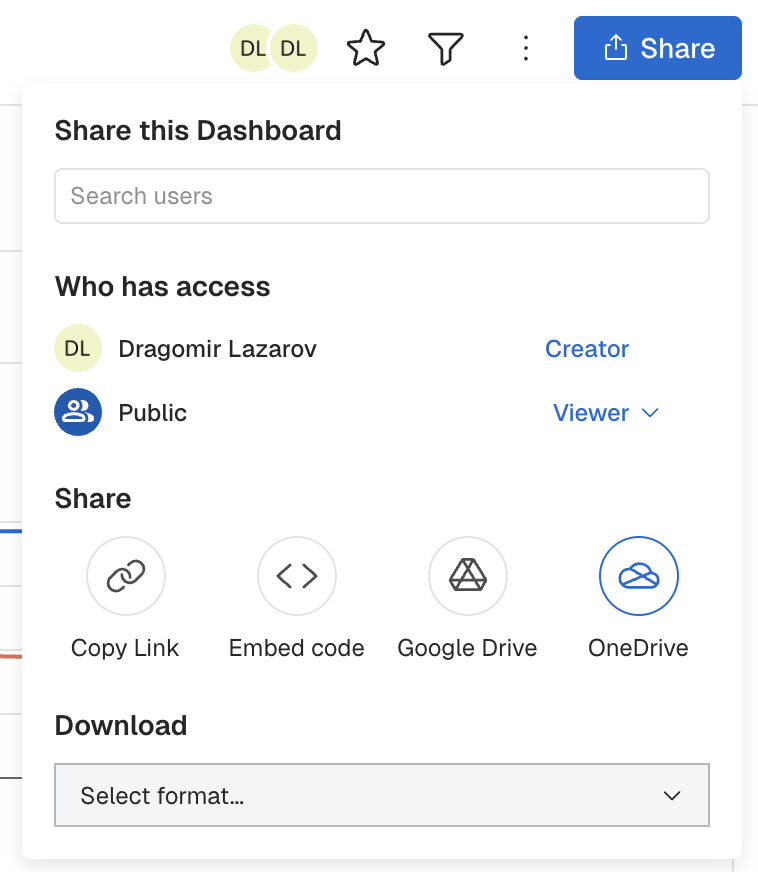
- Via your "Preferences" Settings which can be accessed via the Left Side Navigation:
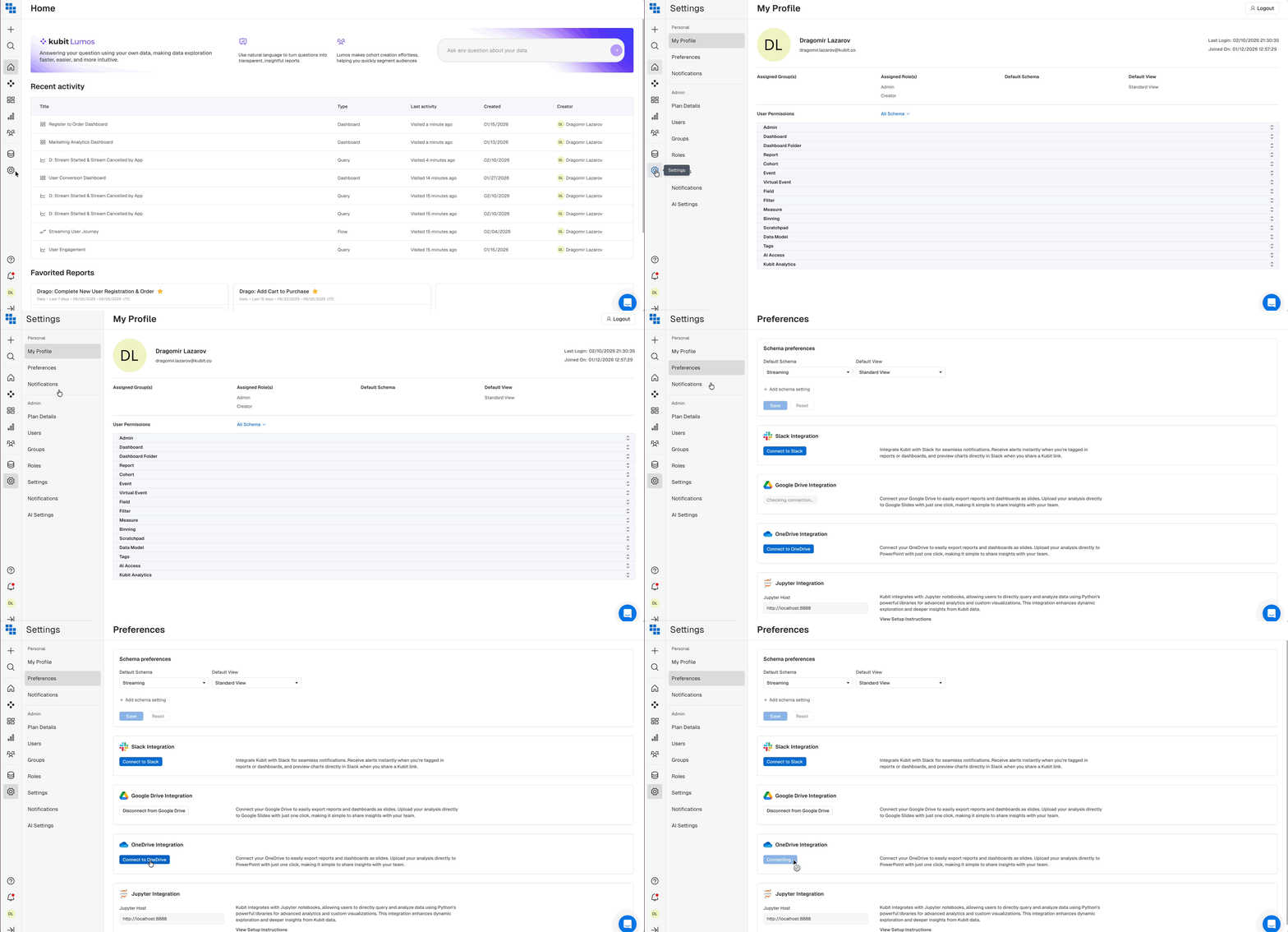
How do I download a Report from a Dashboard?
Once you have connected into OneDrive, navigate to a Dashboard and click 'Share'.
You should have an option to Share via OneDrive listed. Click the "OneDrive" option to open the file browser.
Once you click to download via OneDrive you can select which Reports from the Dashboard you would like to download. You will also be given the option of selecting where in OneDrive you would like to share to.
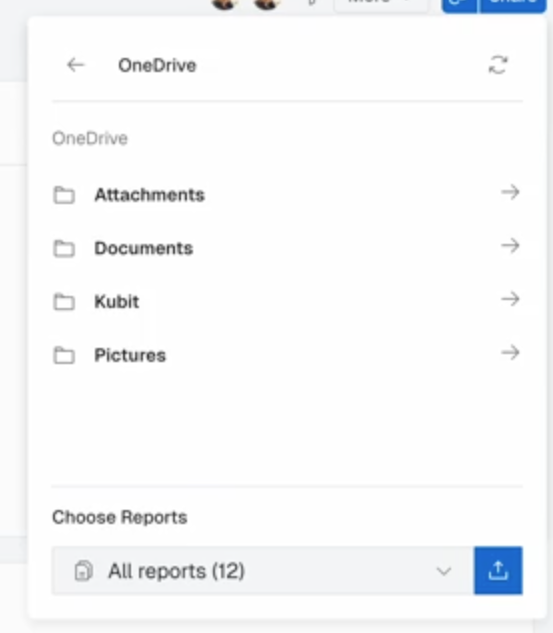
Next, you will choose which reports you would like to share via the 'Choose Reports' dropdown.
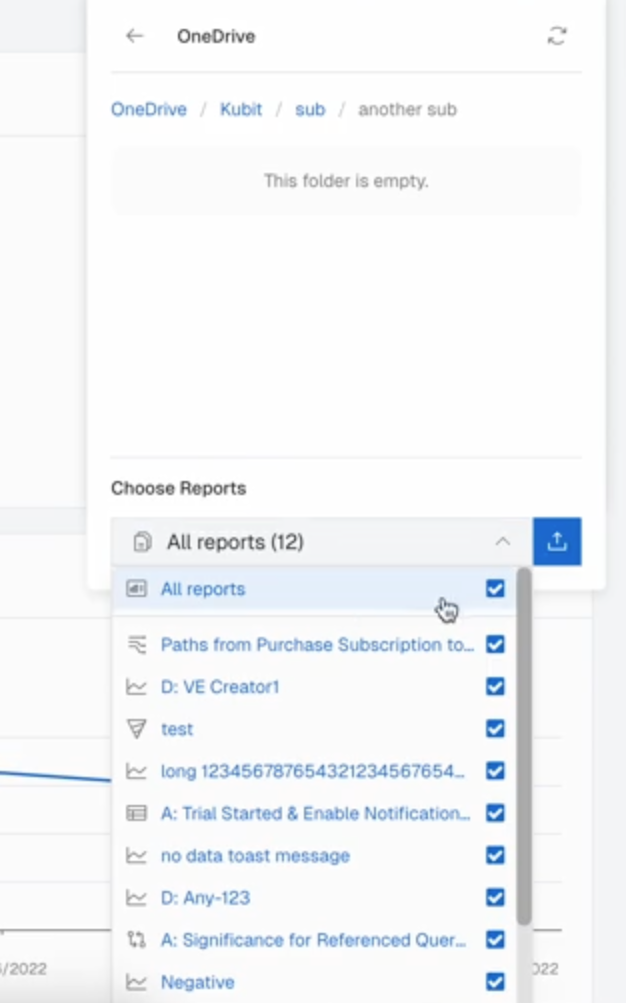
Once you have selected which reports to download, the download will begin by clicking the download button.
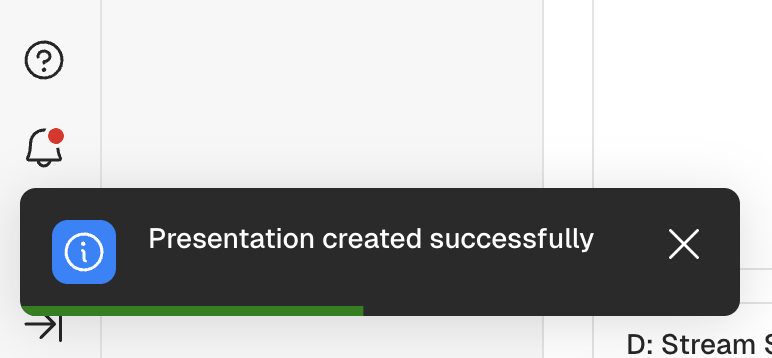
After exporting you will get a notification that the export is happening and will receive a confirmation when the export has been completed.
Updated 8 months ago