
Improved
💬 Slack Notifications - Dashboard-Level Configuration
December 18th, 2025 by Stefan Enev
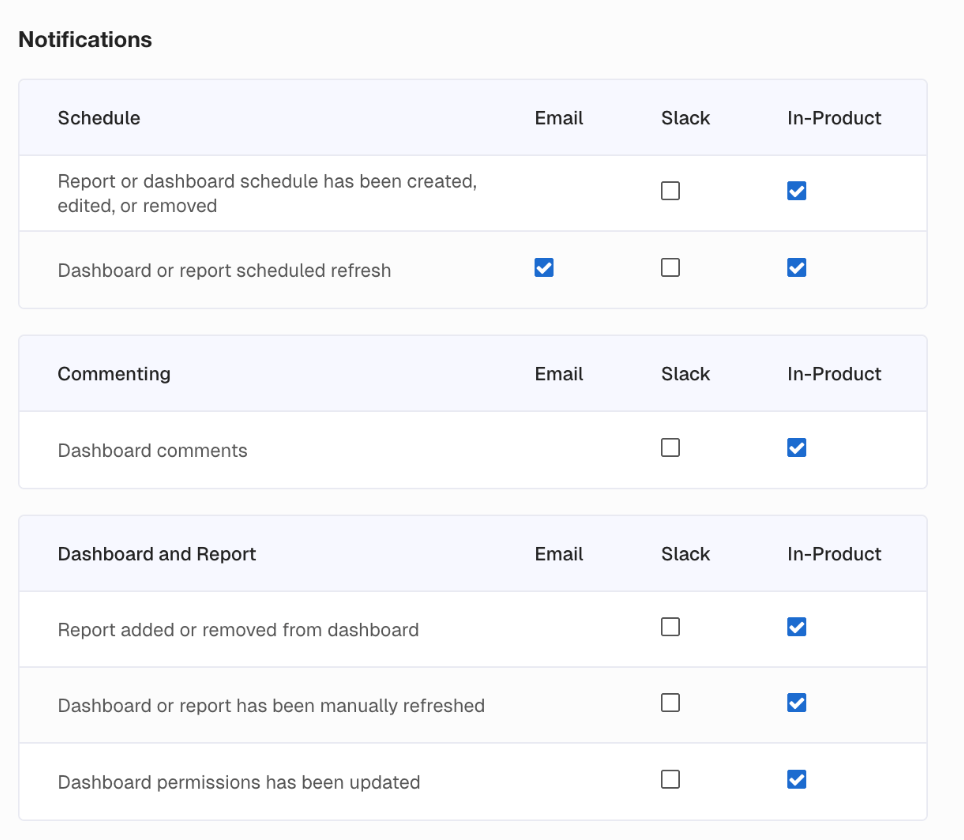
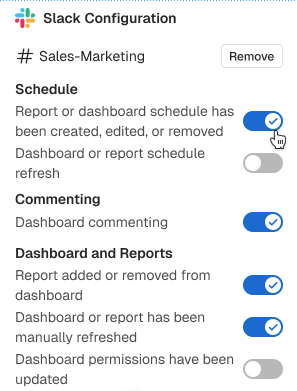
Take control of your Slack notifications at the dashboard level. Route engineering alerts to your engineering Slack channel and marketing Dashboards to your marketing channel. Each team gets exactly what they need, nothing more.
What You'll Love
Configure notification preferences per dashboard when adding a Slack channel. Choose which alert types go where. Scale your alerting as your dashboard library grows.
Why This Matters
No more all-or-nothing global settings. Your Slack channels stay clean and relevant, with the right alerts reaching the right teams.