Improved

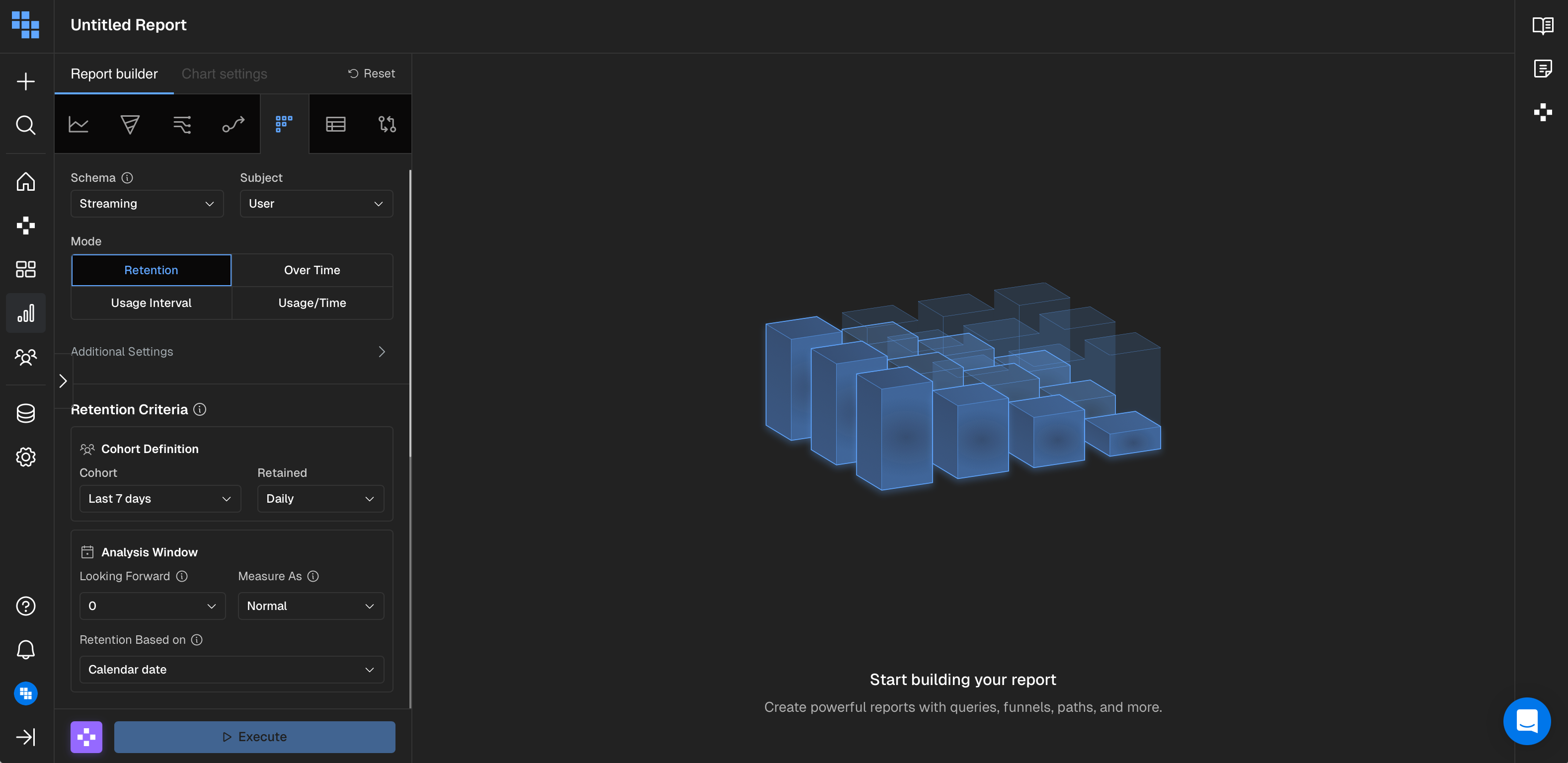
🌙 Dark Mode - Visual Improvements

When creating or editing a report, some of the graphics and visual elements weren't optimized for dark mode, reducing readability. Now, improved color adjustments in dark mode provide better visibility and a more polished experience for users who prefer dark themes.

What You Can Do Now

  • Use the report builder in dark mode with improved visual clarity
  • Navigate all report creation elements without readability issues
  • Enjoy a consistent dark mode experience across the platform

How It Works

Visual elements throughout the report builder have been updated with dark-mode-aware color palettes. Graphics, icons, and UI components now dynamically adjust their colors to ensure proper contrast and visibility when dark mode is enabled.

What Impact Does This Have

  • Better user experience for dark mode users during report creation
  • Reduced eye strain during extended report building sessions
  • More professional, polished appearance across all theme preferences