
Improved
📊 Chart Builder Redesign
December 11th, 2025 by Stefan Enev
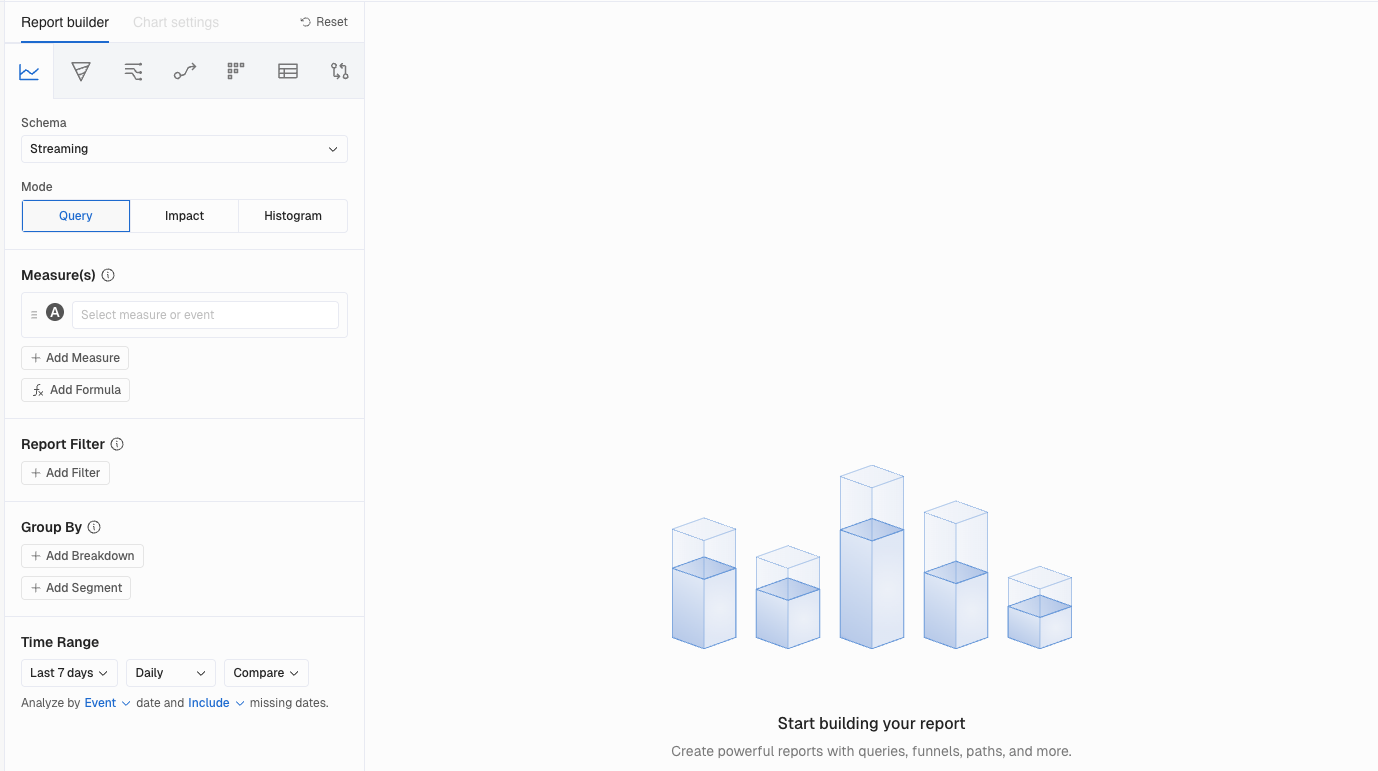
Building reports just got a whole lot smoother. We moved the Report builder to the left-hand side to create a more efficient and comfortable workflow. This layout lets users view the builder and the report side by side, reducing scrolling fatigue and speeding up interactions.
What You'll Love
The builder now lives on the left side of the screen with Chart Settings built right in. No more jumping between panels to tweak your visualization. Everything you need is in one place, right next to the chart you're creating.
Why This Matters
More screen space for your charts. Faster iteration when you're refining a report. And this layout sets the foundation for even more visualization improvements coming soon.